Filmmaking is a wild ride. One minute you’re dreaming up a scene where two characters reconnect under a moonlit sky, and the next you’re knee-deep in logistics, figuring out how to get your actors, crew, props, and gear to a remote field at 6 am on a Tuesday.
That’s the reality of production: it’s equal parts creativity and coordination. And while the creative spark might come naturally, the coordination? That’s where things can get messy.
Production management software is designed to tame that mess. It’s the behind-the-scenes hero that helps filmmakers plan, organize, and execute their vision without losing track of the details. In the digital age, it’s not just helpful, but it’s essential.
Whether you’re working on a short film with a skeleton crew or a multi-location feature with dozens of moving parts, having the right tools can mean the difference between a smooth shoot and a logistical meltdown.
In today’s blog, we’ll be looking at production management software for filmmakers, its key functions, as well as how you can use Celtx to kickstart your next project.
So, let’s dive in…

Table of Contents
- From Paper to Cloud: The Evolution of Production Tools
- Key Functions of Production Management Software
- The Post-Production Connection
- The Celtx Advantage
- Tips for Indie FIlmmakers
- FAQs
- Conclusion
From Paper to Cloud: The Evolution of Production Tools
Let’s rewind a bit…
Not too long ago, production planning was a patchwork of paper call sheets, spreadsheets, sticky notes, and frantic text messages. You’d print out a schedule, hand it to your crew, and hope everyone remembered to bring the right prop to the right location at the right time.
It worked… kind of. But it was slow, error-prone, and stressful!

Then came the cloud.
The shift from paper-based planning to cloud-based production tools has been a game-changer. Instead of piecing together your shoot across five different apps and a dozen folders, modern software lets you centralize everything from your script to shooting schedule, all in one place!
Cloud-based platforms mean:
- Real-time updates (no more “wait, what version is this?”)
- Seamless collaboration across departments.
- Access from anywhere (yes, even on location in the middle of nowhere!)
It’s like giving your production a digital brain, one that doesn’t forget things, or double-book your lead actor.
Key Functions of Production Management Software
Okay, so let’s break down what these tools actually do, and why they are essential for keeping your production running smoothly.
Scheduling & Calendars
Scheduling is the heartbeat of your shoot. You might have the perfect shot list and a fantastic storyboard, but if your lead actor is only available on weekends and your location closes at 5pm, you’ve got some juggling to do.
Production management software helps:
- Build a detailed shooting schedule
- Track cast and crew availability
- Sync calendars across departments
- Send automatic reminders and updates
Instead of chasing people down or sending last-minute texts, you’ve got a centralized calendar system that keeps everyone in sync.
It’s like having a production assistant who never sleeps and always knows what’s next.
Discover how you can use Celtx for production scheduling here.

Script Breakdown
Before the camera rolls, you need to know what each scene demands. That’s where script breakdowns come in. Traditionally, that means printing out your script and manually highlighting every element: characters, props, wardrobe, locations, vehicles, and animals (yes, really!).
For example,
- Scene 12 needs Jamie and a vintage lamp.
- Scene 13 needs Alex and a suitcase.
Now? Well, with tools (like Celtx!) you can:
- Tag elements like characters, props, wardrobe, and locations directly in your script
- Auto-generate breakdown reports
- Link breakdowns to your schedule and budget
No more manual highlighting or second-guessing. Just clean, clear data that helps you prep like a pro.
Crew & Talent Management
Your people are your production’s greatest asset. Keeping track of what team member is doing what, and when, is crucial.
Production software lets you:
- Store contact information, contracts, and availability
- Assign roles and responsibilities
- Track onboarding and paperwork
It’s your digital Filofax, call sheet, and HR department all rolled into one! A perfect film crew management tool.

Asset Management
Props, costumes, set pieces, footage all add up. And if you’ve ever lost a prop mid-shoot, you know how important asset tracking is.
With production management tools, you can:
- Catalog physical and digital assets
- Track usage, storage, and transport
- Link assets to scenes and departments
It’s especially handy for continuity, budgeting, and post-production workflows. Because yes, someone will ask where that coffee mug from Scene 12 ended up.
The Post-Production Connection
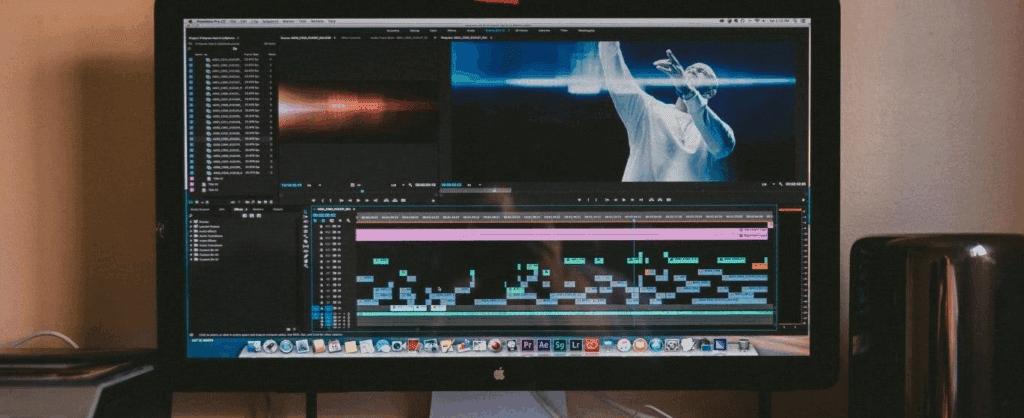
Production doesn’t just stop when shooting wraps. Editing, sound design, VFX, and color grading are all part of the journey.
Modern tools extend into post by:
- Managing editing schedules and deadlines
- Coordinating VFX and sound teams
- Tracking revisions and approvals
This keeps your creative vision consistent from first draft to final cut and helps avoid those “wait, where’s the latest version” moments.
Want to dive deeper into the film production journey? Check out our blog:
The 7 Stages of Film Production (And What Happens in Each)
The Celtx Advantage
Yes, there are plenty of production tools out there. Some focus on scheduling. Others handle scriptwriting. But Celtx stands out by doing something simple and powerful: connecting every stage of your creative process in a seamless workflow.
Why does that matter? Well, let us explain.
Start with Your Script
Celtx lets you write, tag, and break down your screenplay all in one place.
Plan Your Shoot
Build schedules, manage crew, track assets, and prep locations without switching platforms.
Never built a shooting schedule before? We have a blog for that:
How to Create a Shooting Schedule: An Essential Guide
Collaborate in Real Time
Share updates instantly whether your team is across town or across continents.
Stay Organized through Post
Keep your editing, sound, and VFX teams aligned with the same tools you used in pre-production.
Celtx Academy
It’s not just convenient, but it’s empowering for filmmakers. You’re not bouncing between apps or manually synchronising data. You’re working in a unified space that’s built for filmmakers. We give you the whole puzzle. Plus, we help you put it all together! Neat, huh?
Not convinced? Then check out our Celtx Academy series on YouTube which runs you through all the features:
- The Basics
- Communication and Collaboration
- Perfecting Your Script
- Storyboarding the Vision
- Breaking Down Your Script
- The Catalog
- Budgeting
- Scheduling
- Shot List
- Call Sheets and Reports
Tips for Indie Filmmakers
Indie filmmaking comes with its own set of challenges and opportunities. Here are ten practical tips to help you get the most out of production management software when you’re working with limited resources.
1. Start Early
…even if you’re still writing. Use your software to break down your script as you write. It helps you spot budget-heavy scenes early and make creative adjustments before you’re locked in.

2. Color-Code Your Calendar
Assign colors to departments: camera, sound, talent etc. to make scheduling conflicts easier to spot. It’s a simple trick that saves time and headaches.
3. Create a Digital Crew Bible
Include bios, headshots, emergency contacts, and role descriptions. It builds trust and helps new team members feel part of the project from day one.
4. Label Everything
Use QR codes or tags to track props, costumes, and gear. It’s especially helpful when you’re borrowing items or sharing equipment across scenes.
5. Keep Post-Production Notes During the Shoot
Flag takes with great performances but technical issues. Your editor will thank you, and your final cut will be stronger for it.
And it’s not just editors who will thank you for good organization. Check out ScreenSkills’ breakdown of all the post-production roles out there. Click here to find out more.

6. Use Celtx’s Collaboration Features
If your team is remote or part-time, real-time updates and shared access keep everyone aligned. No more version confusion or missed emails.
7. Don’t Skip the Breakdown Reports
They’re not just for big productions. Even a two-day shoot benefits from knowing exactly what each scene needs, down to the last prop.
8. Track Your Budget in Real-Time
Use your software to log expenses as they happen. It helps you stay on top of spending and avoid last-minute surprises.
9. Build Reusable Templates
Create templates for call sheets, breakdowns, production catalogs and schedules. You’ll save time on future projects and build a consistent workflow.
And, if you do decide to use Celtx, all these templates are there waiting for you (just saying!).
10. Lean into Celtx’s Scalability
Start with the basics of Celtx and upgrade as your projects grow. Celtx adapts to your needs, whether you’re making a short film or launching a series. We’re in it for the long haul if you are!
FAQs
Yes! Even small productions benefit from structure. Celtx helps you stay organized, avoid miscommunication, and make the most of your time and budget.
Absolutely! Celtx is cloud-based, so your team can work together from anywhere. Share updates, assign tasks, and keep everyone coordinated.
Definitely. Celtx supports post workflows like editing schedules, asset tracking, and team coordination so your project stays on track even after the cameras stop rolling.
Yes! Celtx is flexible enough to support a wide range of formats, including documentaries, commercials, web series, and branded content. If your project has moving parts, Celtx can help you manage them.
Celtx is extremely beginner-friendly with an intuitive interface. There are plenty of tutorials and support resources to help you get started. Whether you’re a seasoned producer, or just dipping your toes into filmmaking, Celtx meets you where you are.
Conclusion
Production management isn’t just about organization but about protecting your creative vision. It’s the scaffolding that holds your story together, the quiet engine that powers your shoot, and the difference between a film that gets finished and one that gets stuck in limbo.
With the right tools, you can turn your script into a finished film without losing sleep (or your sanity). Celtx helps you do just that, by simplifying the complex, connecting the dots, and keeping your team aligned from day one.
So, whether you’re prepping your first short or gearing up for a feature, don’t let production chaos get in the way of your vision. Plan every detail with confidence. Plan it with Celtx.
Ready to simplify your next production? Sign up for Celtx today.
Up Next:
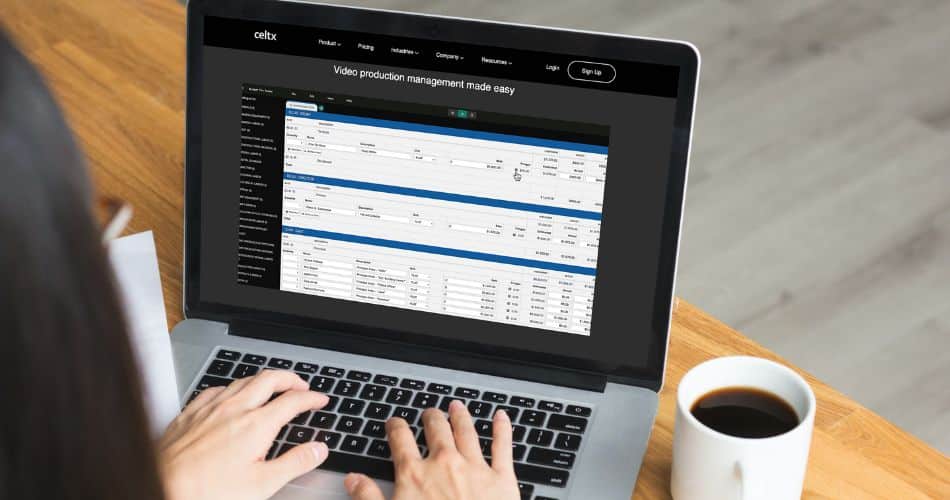
How to Create a Film Budget [Guide with Templates]
Great production management also means keeping costs under control. Discover how to plan and manage your film budget effectively.